Abstract: DL.Translator: Preview part of your document before translating the full file. The preview range depends on the document and your available account allowance. If a preview requires credits, the task page shows the cost before you continue.
When seeking professional translation services for critical documents, any uncertainty about the quality of deliverables—whether concerning translation precision or layout fidelity—can lead to major mismatches in project timelines and budgets.
The Core Value of the Translation Preview
- Assess Translation Quality: Directly evaluate the DL.Translator engine’s professional standards and contextual accuracy. The preview sample enables users to judge whether the translation meets professional benchmarks.
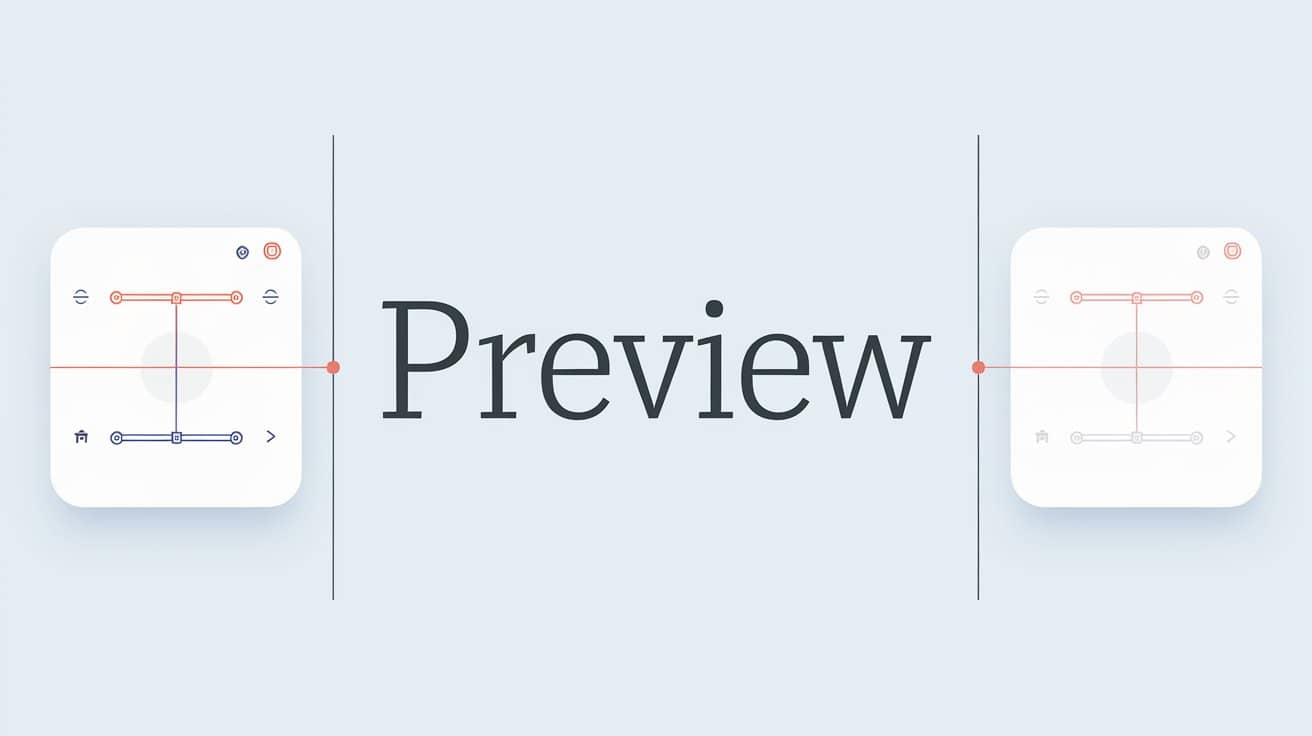
- Preview Layout Fidelity: Layout is a critical factor in professional document translation. The preview adopts a side-by-side column display, enabling clients to clearly compare the source and translated text and evaluate the precision of format and layout retention.
- Accurate Translation Cost Calculation: Upon completion of the preview, the system automatically and precisely calculates the required credits based on the entire document, providing fully transparent pricing with no hidden costs.
Quality Assessment: Experience Translation Accuracy Firsthand
DL.Translator is powered by industry-leading Artificial Intelligence translation technology, offering results that substantially exceed traditional machine translation standards across most professional fields, and—under certain conditions—can even rival the quality of professional human translators.
Format Fidelity: Instantly compare layout restoration
Ensuring that the translated document’s layout strictly adheres to the original is a core technical strength that sets professional document translation apart from plain text translation—this is especially critical when dealing with complex PDF files featuring charts, multiple columns, and other intricate structures.
DL.Translator’s 'Translation Preview' provides a side-by-side synchronized interface, empowering users to meticulously review formatting details line by line or paragraph by paragraph—guaranteeing the visual fidelity of your deliverables.
Preview Quota Management
Preview part of your document before translating the full file. The preview range depends on the document and your available account allowance. If a preview requires credits, the task page shows the cost before you continue.

How to Skip the Preview (For High-frequency and High-trust Users)
For users who fully trust the quality of DL.Translator’s translations and seek greater work efficiency, the system allows you to skip the preview step.
You can select the “Full Document Translation” option directly when initiating a translation.

DL.Translator Service Commitment
DL.Translator firmly believes that exceptional product capabilities and a transparent service workflow are the foundation of building trust.
Document Translation Preview: Evaluate Quality and Layout
Recommended Reading
Context: The New Gold Standard for PDF Translation, exploring the new wave of document translation in the AI era led by DL.Translator.
Fix Translation Inconsistency: Using the Glossary Feature in DL.Translator